Before you begin
Inventory administrators, plugins, themes and integrations. A typical WordPress backup requires both files and database; keep it independently of the sole live server.
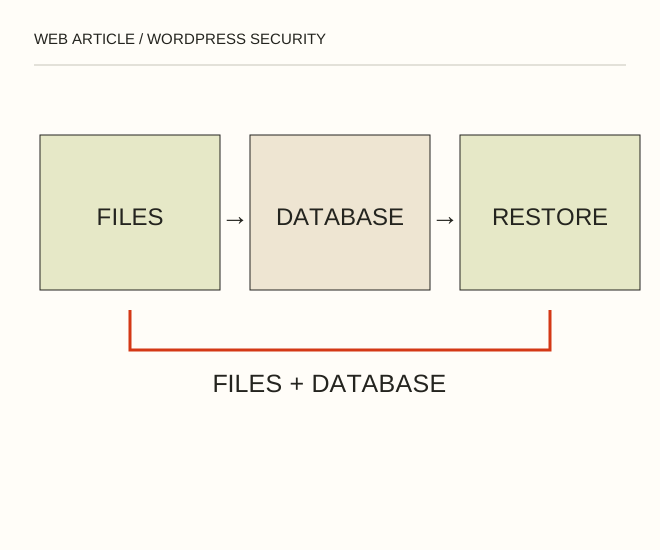
Text explanation of the diagram
Files + database → Least privilege → Tested restoration. An editor who writes articles usually does not need administrator privileges. If the only backup sits inside the website directory, a server compromise can affect both production and recovery.
The procedure
- Test restoration in an isolated copy. Back up before updating core, themes and plugins from trusted official sources; try important changes outside production first.
- Give each user the minimum necessary permissions. Use unique passwords and available multi-factor protection. Remove unused accounts and components after checking dependencies.
- Review HTTPS, access to configuration and backup files, login records and access revocation. Write a short response procedure identifying who acts, where backups live and how to stop further changes.
A worked example
An editor who writes articles usually does not need administrator privileges. If the only backup sits inside the website directory, a server compromise can affect both production and recovery.
Check the result
Restoration has actually been performed, permissions are current and updates are not postponed indefinitely. wp-config.php, database dumps and keys are not publicly exposed.
A common mistake
Advice written for WordPress 2.8 does not establish the safety of a modern installation. Do not alter system files from an old checklist without checking their purpose.
Sources and next steps
- WordPress — Hardening
- Как защитить блог WordPress от взлома — 2009-09-23 (RU)
Diagram and examples: Web Article editorial team. The diagram explains a principle; it is not an interface capture or a software test result.