Before you begin
Identify the page where visitors actually see the feed. A static homepage with its own Query Loop may not use standard sticky-post behaviour.
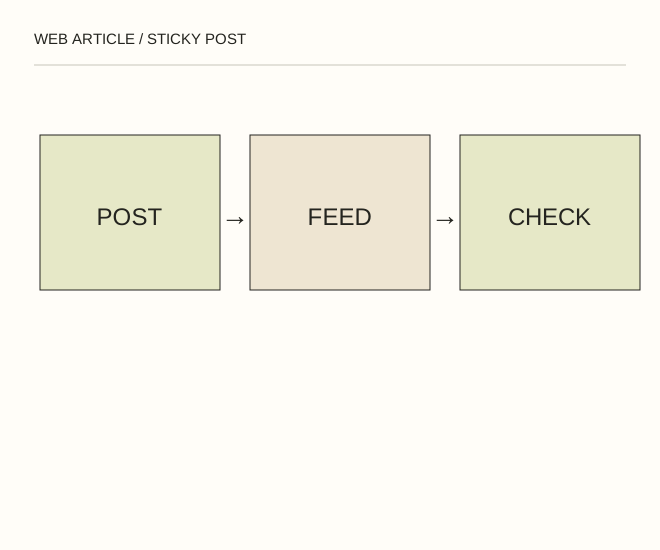
Text explanation of the diagram
Post setting → Public feed → Test removal. An event announcement can stay sticky until the event ends. Afterwards unstick it and update its wording: a top position must not present closed registration as an open opportunity.
The procedure
- Open the post settings and enable stickiness if supported for that content type. Update the post. Do not install an old plugin merely because a 2009 tutorial mentions it.
- View the public feed while logged out and check that the post is first. Then inspect feed pagination and category pages, which may behave differently.
- If nothing changes, inspect query-block settings, the template and cache. Unstick the post and verify the ordering again to confirm that you are controlling the intended feed.
A worked example
An event announcement can stay sticky until the event ends. Afterwards unstick it and update its wording: a top position must not present closed registration as an open opportunity.
Check the result
The correct publication appears in the intended feed, pagination has no unexpected duplicate and removing stickiness restores ordinary ordering.
A common mistake
Stickiness does not place a post first everywhere. A custom template may ignore the setting.
Sources and next steps
Diagram and examples: Web Article editorial team. The diagram explains a principle; it is not an interface capture or a software test result.