Before you begin
Identify where the wrong language appears: dashboard menus, theme controls, dates or article text. These strings come from different sources.
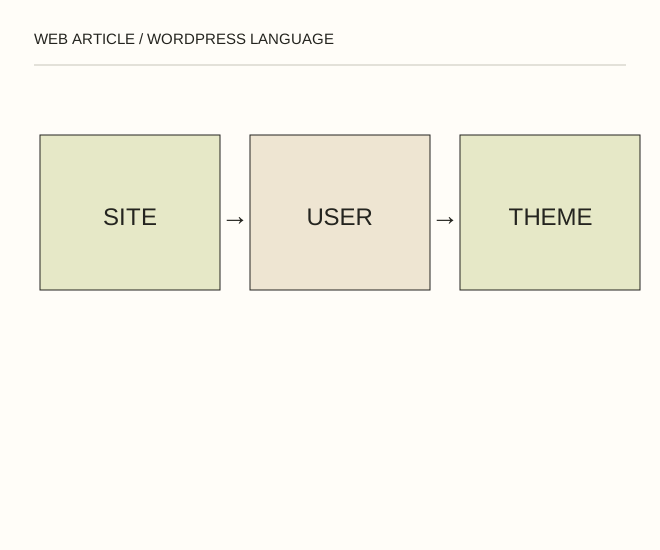
Text explanation of the diagram
Site → Profile → Theme and plugins. A Russian editor dashboard does not translate an English article. The lang attribute should describe the document’s actual language.
The procedure
- Review the main site language in general settings and the current user’s profile language. Different administrators may use different dashboard languages.
- For untranslated theme or plugin buttons, check language packs and translation updates. Text entered directly into templates or page builders may need separate editing.
- View the public page while logged out and inspect navigation, forms, dates and error messages. Multilingual sites also need actual content versions and language links.
A worked example
A Russian editor dashboard does not translate an English article. The lang attribute should describe the document’s actual language.
Check the result
Settings do not unexpectedly change colleagues’ preferences; public controls are readable; translated pages have their own URLs and correct language attributes.
A common mistake
Do not edit core files for one string. An update can overwrite the change and make maintenance harder.
Sources and next steps
- WordPress — General Settings
- Почему при установке руссифицированного Wordpress админка может быть на английском — 2010-11-14 (RU)
Diagram and examples: Web Article editorial team. The diagram explains a principle; it is not an interface capture or a software test result.