Before you begin
Back up the page and inventory its shortcodes. Record which component provides each one and what happens when that component is disabled.
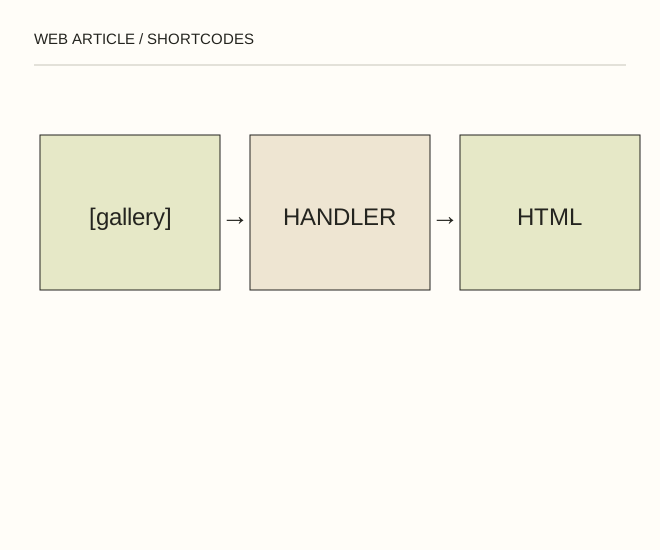
Text explanation of the diagram
Command → Handler → Public output. The command [gallery ids="12,34"] depends on existing attachments with those IDs. Numbers copied from another site do not identify your photographs.
The procedure
- Read the relevant component’s documentation. A shortcode copied from another article will not perform its advertised function without a registered handler.
- Test the page with and without the component in staging. Consider a complete editor block for a gallery or button if it solves the task with fewer dependencies.
- When replacing it, inspect captions, links, mobile order and accessibility as well as appearance. Search the changed document for leftover commands.
[gallery ids="12,34"]A worked example
The command [gallery ids="12,34"] depends on existing attachments with those IDs. Numbers copied from another site do not identify your photographs.
Check the result
No unprocessed commands remain publicly visible; required images load; disabling the old component does not break other sections.
A common mistake
Do not enable PHP execution in article text to implement a shortcode. Use the supported extension mechanism and validate input.
Sources and next steps
- WordPress — Shortcodes
- Шорткоды в Wordpress — 2015-02-20 (RU)
Diagram and examples: Web Article editorial team. The diagram explains a principle; it is not an interface capture or a software test result.