Before you begin
Keep the original. Decide whether to flip the whole document, a selected layer or a duplicate object for a reflection effect.
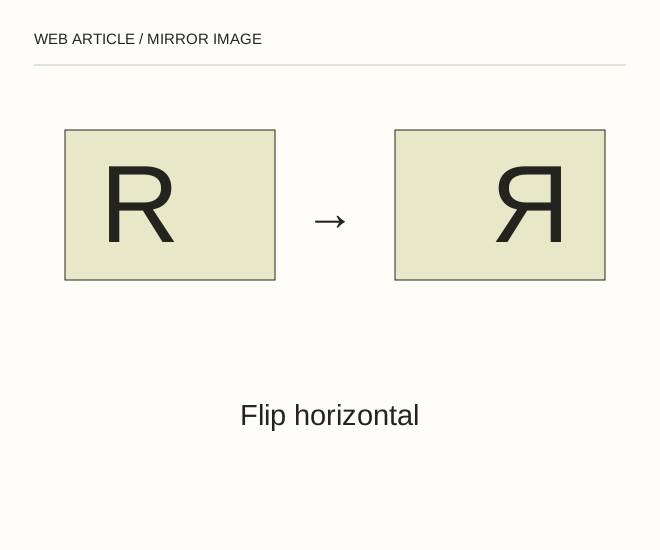
Text explanation of the diagram
Choose object → Choose axis → Check meaning. A product card containing lettering should not be mirrored merely to direct the composition. Change its position on the page or select another authorised photograph instead.
The procedure
- Use the appropriate Flip Canvas Horizontal command for the entire picture. For one layer, open its transformation and choose Flip Horizontal, making sure neighbouring layers are not selected.
- To create a reflection on a surface, duplicate the layer and flip that copy vertically. Use a mask and gradual fading while leaving the original object intact.
- Inspect text, logos, clothing and environmental details. For documentary work, disclose mirroring when it changes how the scene should be understood.
A worked example
A product card containing lettering should not be mirrored merely to direct the composition. Change its position on the page or select another authorised photograph instead.
Check the result
The intended axis is selected; text reads correctly; editing does not change factual product characteristics. Editable and exported files are kept separately.
A common mistake
Flipping twice restores the original orientation. Check the action history before attempting to fix a version that may already be correct.
Sources and next steps
- Adobe — Transform objects
- Как отразить зеркально картинку в Photoshop — 2010-01-13 (RU)
Diagram and examples: Web Article editorial team. The diagram explains a principle; it is not an interface capture or a software test result.