Before you begin
Record the placement dimensions and file limits. Plan a beginning, an action and a result. The message should still make sense to someone who sees only one frame.
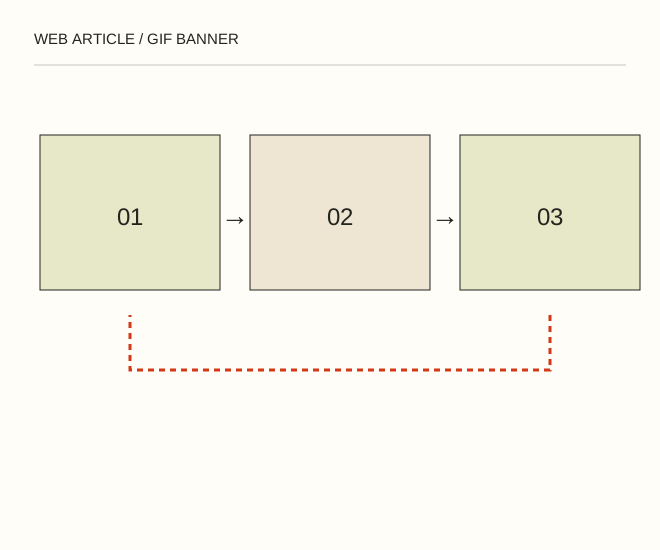
Text explanation of the diagram
Task → Process → Calm result. Use three frames: the task, a brief process demonstration and the finished result. If the final sentence contains the main offer, keep it visible longer than the transition.
The procedure
- Create layers or frames of identical dimensions. Keep the grid, labels and button position stable rather than making readers rediscover the message in every frame.
- Allow enough time to read the text. Avoid flashes and rapidly alternating high-contrast frames. For your own page, provide a static version when reduced motion is preferred.
- Export and open the actual GIF in a browser. Inspect a complete cycle and file size. For long photographic sequences compare a video format; GIF is not always efficient.
A worked example
Use three frames: the task, a brief process demonstration and the finished result. If the final sentence contains the main offer, keep it visible longer than the transition.
Check the result
Motion does not cover the text; the still version retains meaning; the intended clickable area works. Important information is also available as ordinary text.
A common mistake
Endless flashing does not demonstrate engagement. Sustained automatic motion on your own page needs an accessible way to stop it unless an applicable exception exists.
Sources and next steps
- W3C — Pause, Stop, Hide
- Как сделать анимированный GIF баннер самостоятельно. Пошаговая инструкция — 2008-11-29 (RU)
Diagram and examples: Web Article editorial team. The diagram explains a principle; it is not an interface capture or a software test result.