Before you begin
Define the information motion conveys. Core content must remain visible before JavaScript starts and when animation is disabled.
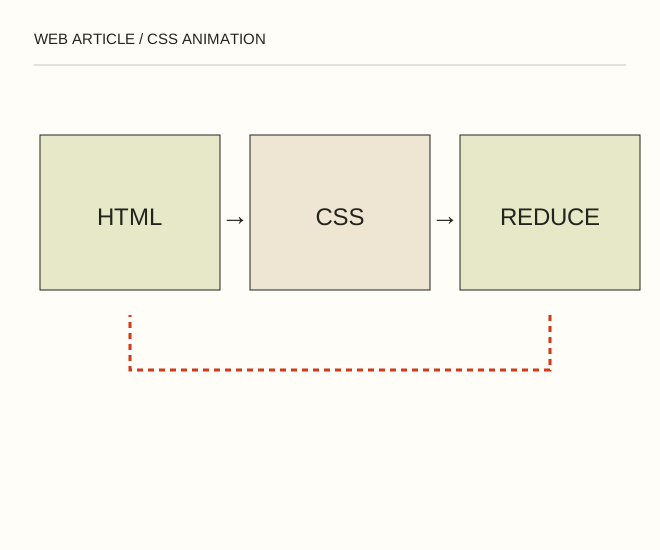
Text explanation of the diagram
Visible document → Brief transition → Static mode. An indicator might appear once over 350 ms and then stay still. It must not disappear again when the visitor requests reduced motion.
The procedure
- For a short entrance, use transform and opacity without resizing surrounding blocks on every frame. Reserve the element’s space in advance.
- Add prefers-reduced-motion. The static state must be complete rather than an empty screen with invisible content. Provide a pause for repeated motion.
- Test keyboard navigation, tab switching and narrow screens. Text and links must remain accessible if scripting fails.
.notice { animation: arrive .35s ease-out; }
@keyframes arrive { from { transform: translateY(6px); } to { transform: translateY(0); } }
@media (prefers-reduced-motion: reduce) { .notice { animation: none; } }
A worked example
An indicator might appear once over 350 ms and then stay still. It must not disappear again when the visitor requests reduced motion.
Check the result
There are no height jumps, focus remains stable and reduced motion actually changes behaviour. A media query in the source is not proof: enable the preference and test.
A common mistake
A permanent initial opacity: 0 hides content when JavaScript fails. Start with a visible document and progressively enhance it.
Sources and next steps
- W3C — Pause, Stop, Hide
- Простая анимация для сайта средствами CSS — 2009-07-22 (RU)
Diagram and examples: Web Article editorial team. The diagram explains a principle; it is not an interface capture or a software test result.