Before you begin
Collect the actual placement rules, authorised imagery, final copy and destination page. If requirements are missing, agree them first: guessing a size can lead to a complete remake.
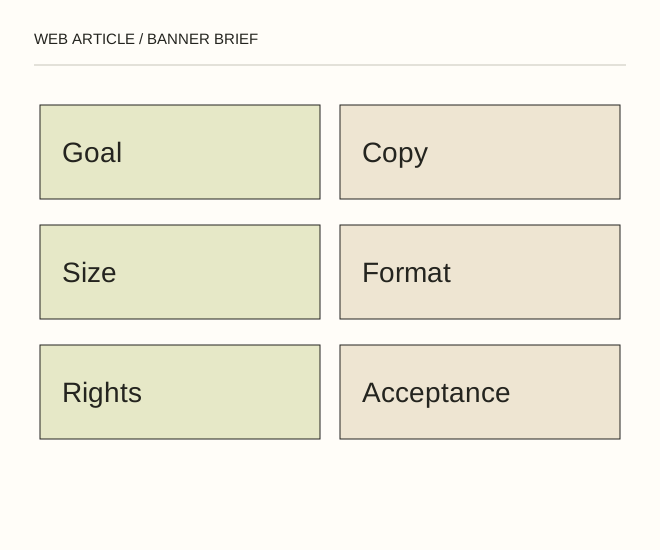
Text explanation of the diagram
Goal and copy → Files and limits → Verifiable acceptance. Illustrative brief for your own site: a static 600 × 300 px banner reading “Prepare a photo for your website”, linking to /en/guides/resize-image/, with RU/UK/EN versions. A 120 KB limit is an example requirement, not an advertising-network standard or a measured result.
The procedure
- Describe one task and one main message. Specify where the link goes and what people will find there. Provide exact button copy and complete language variants rather than asking for an unspecified translation.
- For every placement, define dimensions, format, maximum file size and permitted motion. Specify a still version, motion controls and accessibility requirements separately. Recheck advertising-platform conditions before delivery.
- Record the deliverables: editable source, exported files and an asset/rights inventory. Acceptance checks readability, the live link, languages, dimensions and behaviour on an actual device.
Goal / Мета / Цель:
Audience / Аудиторія / Аудитория:
Message / Повідомлення / Сообщение:
CTA + destination URL:
Dimensions + format + maximum KB:
Languages: RU / UK / EN
Motion + still version + controls:
Authorised assets + rights:
Editable source + exports:
Acceptance + revision process:
A worked example
Illustrative brief for your own site: a static 600 × 300 px banner reading “Prepare a photo for your website”, linking to /en/guides/resize-image/, with RU/UK/EN versions. A 120 KB limit is an example requirement, not an advertising-network standard or a measured result.
Check the result
Open each export. Check actual pixels and file size, read all wording, follow the link and verify its language. Obtain editable sources and rights confirmation; an image pasted into a conversation is not a complete handover.
A common mistake
“Make it beautiful, all sizes” provides no acceptance criteria. The eight dimensions in the old DOC are not a universal standard for current placements either.
Sources and next steps
- Web Article — исходный документ брифа (2011 capture)
- Учимся писать грамотное техническое задание (ТЗ) на разработку баннера — 2010-02-18 (RU)
Diagram and examples: Web Article editorial team. The diagram explains a principle; it is not an interface capture or a software test result.