Before connecting
WPS means Wi-Fi Protected Setup, a way to connect compatible devices to a wireless network. Enable WPS turns that feature on in the router interface. It is not an internet speed boost or a broadband plan.
Use your own equipment or obtain the network owner’s permission. Record the router model and hardware revision, the connecting device model and the task: for example, adding a printer to the home network. Keep passwords and PINs out of the record.
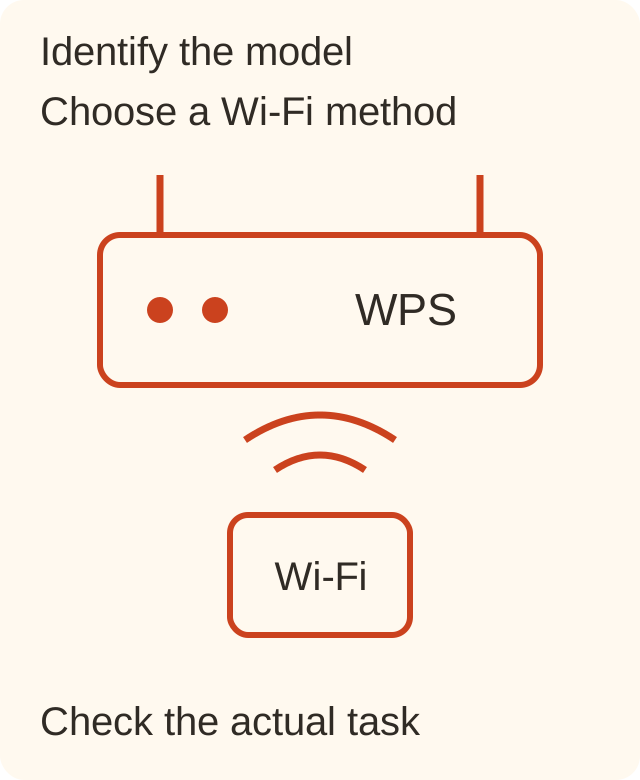
The procedure
- Open the manual for that exact model. Find the button description and supported WPS method. If the label combines WPS and Reset, do not guess how long to press: read the manual first.
- Check that the connecting device supports the method. If it has no suitable option, use ordinary network selection and its password according to the device instructions; do not search for a random WPS PIN online.
- For push-button pairing, follow the sequence and waiting period specified by both device manuals. There is no universal button duration for every model here.
- Check the network name and connection status on the connecting device. Separately check the task you need: printing, opening a local interface or internet access. These are different outcomes.
A filled example
Fictional example: home printer, intended network Home-Lab, push-button method from the manual. Afterwards the printer reports connection to Home-Lab, but the laptop cannot find it. Record: “Wi-Fi: connected; printing: not verified; next step: check the laptop’s network and the printer manual.” This does not justify immediately resetting the router.
Template: router model __; hardware revision __; device __; intended network __; manual’s method __; Wi-Fi status __; task outcome __; safe next step __. The record separates an unsupported method from a problem after connection.
Check the result
A successful Wi-Fi connection does not establish internet access. A phone accessing the internet over mobile data does not establish that the router’s Wi-Fi works. Check the actual device you connected and the task that prompted the setup.
What to avoid
Do not hold an unidentified button, reset the router merely to retry, or publish a password or PIN. If the instructions do not match the device, stop and confirm the model. This page does not change your network settings.
Source and next steps
TP-Link — How to Use the WPS Button on Your TP-Link Router, 26.05.2026.
Feature names and support depend on the model. The manufacturer’s manual takes priority over this general example. This guide was prepared on 28 October 2026; the year in the legacy address is not this text’s publication date.