Before you begin
Prepare a square master with one simple form. Test light and dark tabs. Do not put a photograph and tiny tagline into the icon just because the main logo contains them.
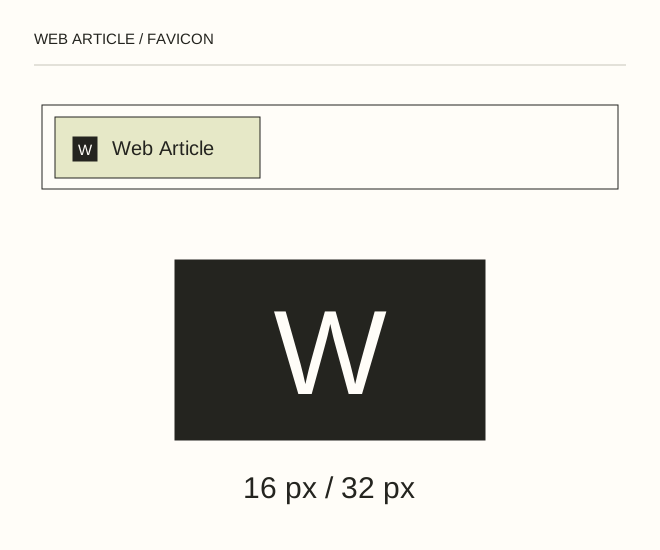
Text explanation of the diagram
Master → 16 / 32 px → Test the tab. A W inside a square remains distinguishable at 16 px. The full words Web Article do not. Prepare both and compare at the actual small size.
The procedure
- Draw the mark as vector artwork or a large raster image. Keep a safe margin so a letter or circle is not accidentally clipped.
- Prepare favicon.ico for compatibility and SVG or PNG for modern browsers. Create a suitable square PNG separately for a home-screen icon.
- Add link elements to head. Request each actual file directly: it should return 200 with the correct type and image. Browsers cache favicons aggressively, so give replacements a new filename.
<link rel="icon" href="/favicon.svg" type="image/svg+xml">
<link rel="icon" href="/favicon.ico" sizes="any">
A worked example
A W inside a square remains distinguishable at 16 px. The full words Web Article do not. Prepare both and compare at the actual small size.
Check the result
Inspect a tab, bookmark and dark theme. The icon should not be empty, cropped or easily confused with another project.
A common mistake
Renaming a PNG to .ico does not convert its format. Use a real export or a trusted converter.
Sources and next steps
- MDN — link rel=icon
- Как сделать иконку favicon.ico для своего сайта — 2008-12-25 (RU)
Diagram and examples: Web Article editorial team. The diagram explains a principle; it is not an interface capture or a software test result.