Compare JPEG, WebP and AVIF on one original test chart
Choose an image format by comparing the actual output, not an extension alone. We encoded the same original 900 × 600 RGB chart in three formats on 28 October 2026. This reproducible example contains gradients, thin lines, geometric shapes and text; it is not a photograph or a benchmark for every image.
- Keep one lossless source and identical output dimensions. Crop and resize before the comparison, rather than comparing different pictures.
- Record the encoder and its options. Here all three use a nominal quality of 80, but that number does not mean equal visual quality across codecs.
- Inspect gradients, coloured edges and fine text at their intended display size and near the original pixel size. Record an objectionable artefact before accepting a smaller file.
- Confirm that the intended delivery path and browsers can display the chosen format. Keep a suitable fallback when the actual audience requires it.
| Format | Encoded bytes | Mean absolute RGB error |
|---|---|---|
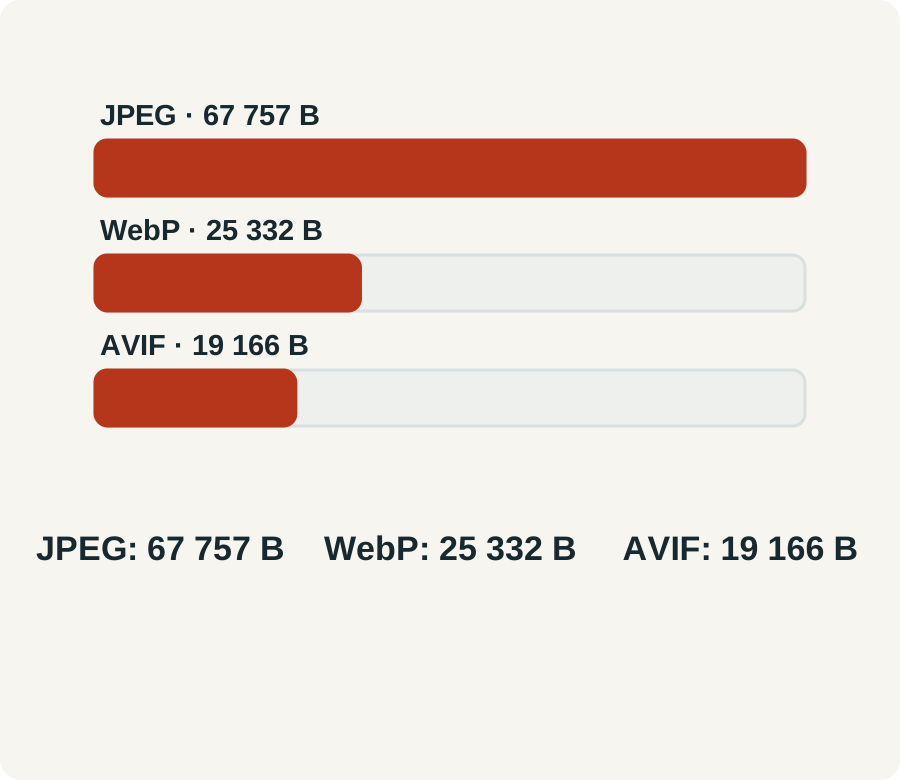
| JPEG | 67757 | 1.481 |
| WEBP | 25332 | 1.699 |
| AVIF | 19166 | 1.64 |
Pillow 12.3.0; RGB; 900 × 600.
Example outputs
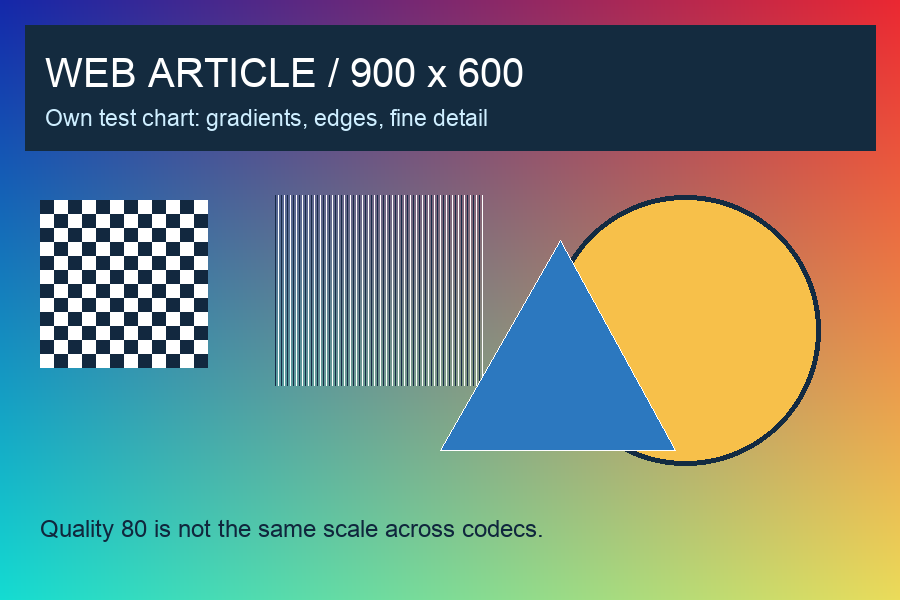
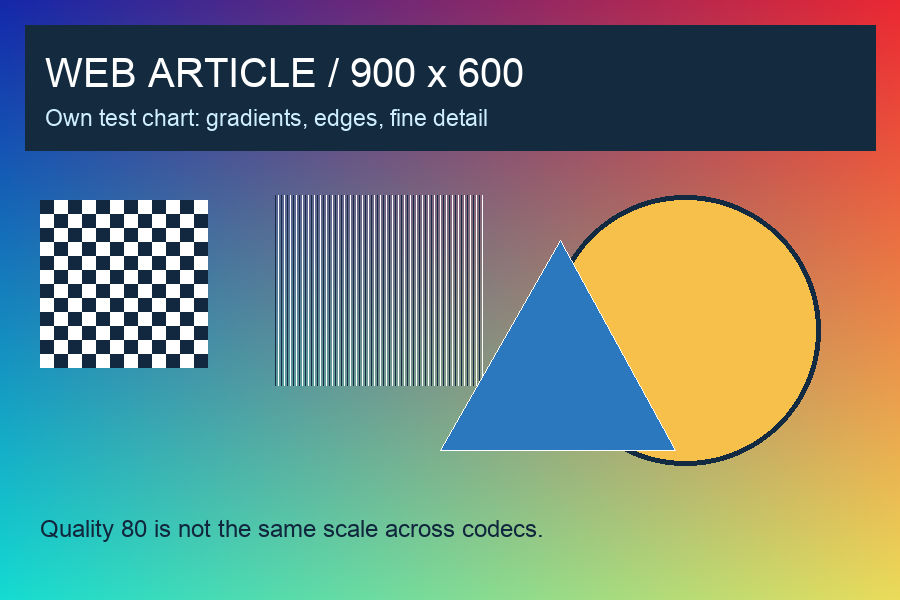
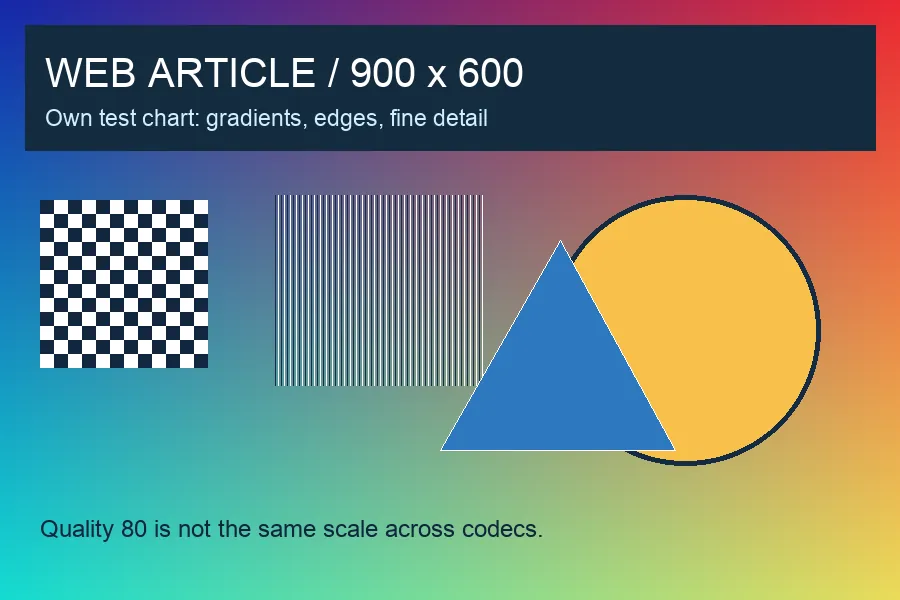
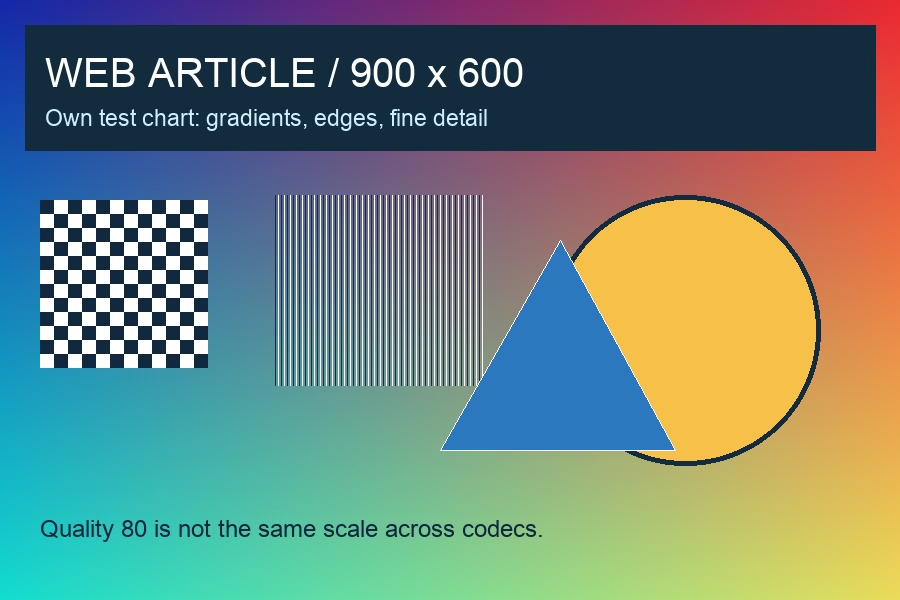
Reading the result: AVIF is the smallest output in this particular run. That does not prove it is best for all photographs, logos or screenshots. The RGB error is the average absolute channel difference after decoding, not a perceptual quality score; a lower value does not automatically look better. JPEG uses quality=80, subsampling=0, optimize=true; WebP uses quality=80, method=6; AVIF uses quality=80, speed=6. Encoder versions and defaults can change the result.
Reusable record: source __; dimensions __; encoder/version/options __; bytes __; objectionable detail __; browser/fallback test __; chosen output and reason __. If a file is smaller but the text you need becomes unreadable, that output has failed your use case. These sizes do not measure network speed, page Core Web Vitals or an SEO improvement.
Source context: developer.mozilla.org.